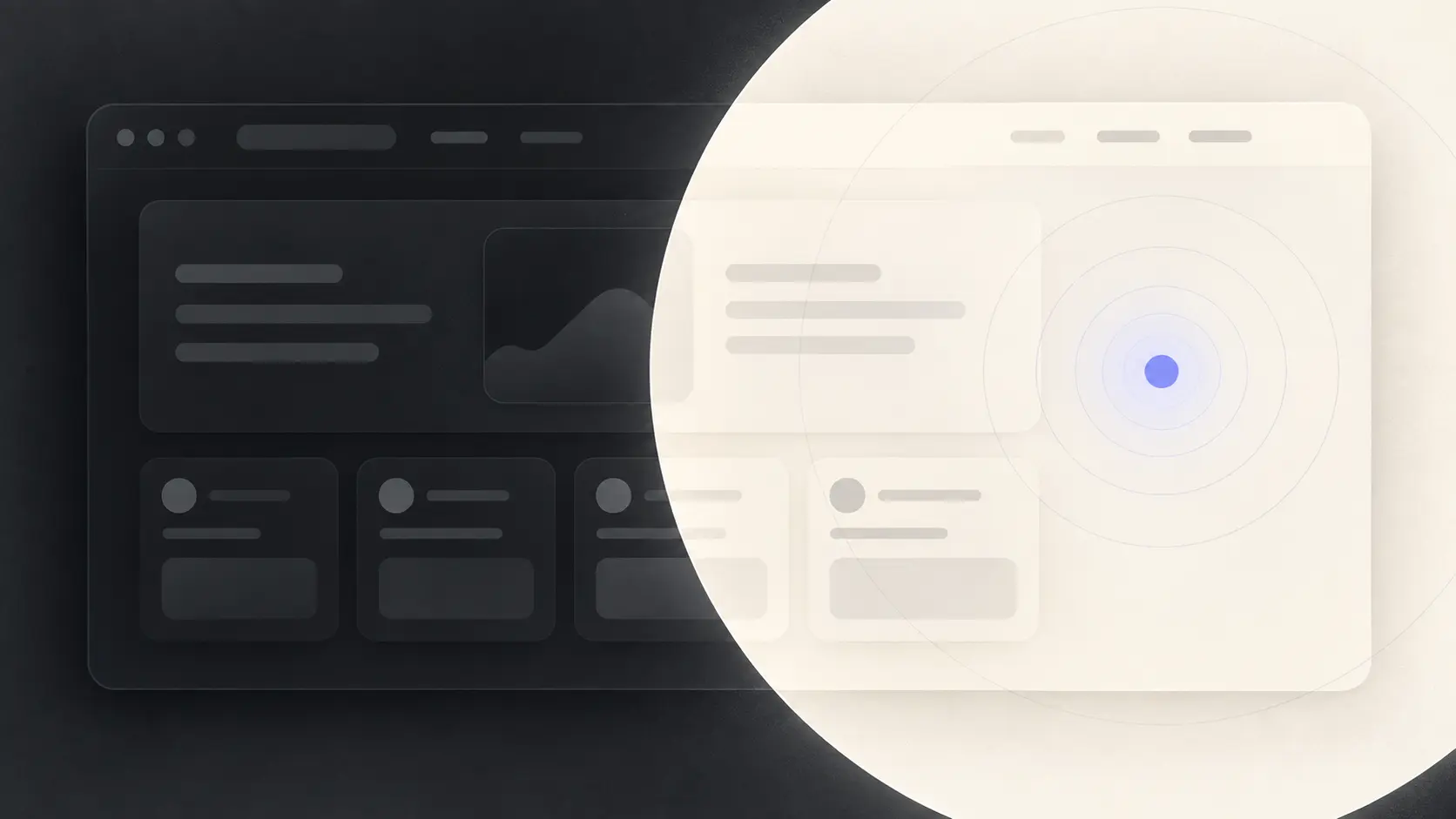
给个人博客加上圆形扩散的主题切换动画
用 View Transitions API 和 clip-path 实现从点击位置扩散、向点击位置收拢的深浅主题切换,并处理降级、键盘操作和动画收尾。
深浅主题能正常切换以后,我很快又发现一个问题:页面变化太生硬。背景、正文和卡片同时换色,动作像少了一帧。
我想要的效果很明确:切到深色时,浅色页面向按钮的点击位置收拢;切回浅色时,浅色页面再从同一个位置展开。浏览器提供的 View Transition API 正好能保存主题切换前后的页面快照,我们只需要控制两张快照如何交接。
先看效果
下面的演示可以切换圆形动画、默认淡入淡出和直接切换。打开慢速模式后,收拢与扩散的方向会更容易看清。
把三种切换方式放在一起比较
先在下面选择模式,再点击预览右上角的主题按钮。
View Transition 保存了什么
普通的主题切换通常只是修改根节点上的 class:
document.documentElement.classList.toggle('dark')把这次 DOM 更新放进 document.startViewTransition() 后,浏览器会先截取旧页面,再执行更新,接着截取新页面:
const transition = document.startViewTransition(() => {
  document.documentElement.classList.toggle('dark')
})
两张快照分别对应下面两个伪元素:
::view-transition-old(root) {
}

::view-transition-new(root) {
}
浏览器默认让旧快照淡出、新快照淡入。圆形主题动画直接用 clip-path 改变整张快照的可见范围,不需要逐个处理页面元素。
从点击位置算出圆的半径
event.clientX 和 event.clientY 是点击位置相对于视口的坐标。视口尺寸则可以从 innerWidth 和 innerHeight 取得,因此它们可以直接放进同一套计算。
const { clientX: x, clientY: y } = event

const radius = Math.hypot(
  Math.max(x, innerWidth - x),
  Math.max(y, innerHeight - y)
)横向距离取圆心到左右边界中的较大值,纵向距离取到上下边界中的较大值。Math.hypot() 根据这两条边算出的斜边,就是圆心到最远角的距离。
接着生成从 0 到最大半径的两帧裁切路径:
const clipPath = [
  `circle(0px at ${x}px ${y}px)`,
  `circle(${radius}px at ${x}px ${y}px)`
]
clip-path 会保留圆内的内容并隐藏圆外的部分。半径从 0 增大时,快照从点击位置展开;反转数组后,快照就会向点击位置收拢。
深色收拢,浅色扩散
主题更新完成后,可以根据目标主题决定裁切哪张快照:
- 进入深色主题时,让旧的浅色快照位于上层,再把它从最大圆裁到 0。
- 进入浅色主题时,裁切新的浅色快照,让它从 0 扩展到最大圆。
先关闭新旧快照自带的淡入淡出。进入深色主题时,再提高旧快照的层级:
html[data-theme-transition]::view-transition-old(root),
html[data-theme-transition]::view-transition-new(root) {
  animation: none;
  mix-blend-mode: normal;
}

html[data-theme-transition='dark']::view-transition-old(root) {
  z-index: 1;
}
transition.ready 会在新旧快照准备好后完成。主题 class 此时已经更新,可以开始裁切快照。具体时机见 MDN 的 ViewTransition.ready。
const enteringDark = nextTheme === 'dark'

document.documentElement.animate(
  {
    clipPath: enteringDark ? [...clipPath].reverse() : clipPath
  },
  {
    duration: 500,
    fill: 'forwards',
    pseudoElement: enteringDark
      ? '::view-transition-old(root)'
      : '::view-transition-new(root)'
  }
)
pseudoElement 决定动画落在哪张快照上。这里还设置了 fill: 'forwards',让裁切状态保持在最后一帧。我在测试深色收拢时遇到过一次白闪:半径已经缩到 0,旧浅色快照却在被移除前恢复成完整页面。原因是 Element.animate() 默认不会保留结束帧。保持最后一帧后,旧快照会停在 circle(0px),直到 View Transition 将它移除。
整理成一个通用函数
主题状态不一定来自根节点 class,也可能放在 React、Vue 或其他状态容器里。下面的函数只要求调用方提供当前主题和一个同步提交主题的函数。
type Theme = 'light' | 'dark'
type CommitTheme = (theme: Theme) => void
type ClickPosition = Pick<MouseEvent, 'clientX' | 'clientY' | 'detail'>

let isTransitioning = false

function getOrigin(event: ClickPosition, button: HTMLElement) {
  if (event.detail !== 0) {
    return { x: event.clientX, y: event.clientY }
  }

  const rect = button.getBoundingClientRect()

  return {
    x: rect.left + rect.width / 2,
    y: rect.top + rect.height / 2
  }
}

export async function toggleThemeWithTransition(
  event: ClickPosition,
  button: HTMLElement,
  currentTheme: Theme,
  commitTheme: CommitTheme
) {
  if (isTransitioning) return

  const nextTheme: Theme = currentTheme === 'dark' ? 'light' : 'dark'
  const root = document.documentElement
  const { x, y } = getOrigin(event, button)
  const reduceMotion = matchMedia('(prefers-reduced-motion: reduce)').matches

  if (!document.startViewTransition || reduceMotion) {
    commitTheme(nextTheme)
    return
  }

  isTransitioning = true
  root.dataset.themeTransition = nextTheme
  let animation: Animation | undefined

  try {
    const transition = document.startViewTransition(() => {
      commitTheme(nextTheme)
    })

    await transition.ready

    const radius = Math.hypot(
      Math.max(x, innerWidth - x),
      Math.max(y, innerHeight - y)
    )
    const clipPath = [
      `circle(0px at ${x}px ${y}px)`,
      `circle(${radius}px at ${x}px ${y}px)`
    ]
    const enteringDark = nextTheme === 'dark'

    animation = root.animate(
      {
        clipPath: enteringDark ? [...clipPath].reverse() : clipPath
      },
      {
        duration: 500,
        fill: 'forwards',
        pseudoElement: enteringDark
          ? '::view-transition-old(root)'
          : '::view-transition-new(root)'
      }
    )

    await transition.finished
  } finally {
    animation?.cancel()
    delete root.dataset.themeTransition
    isTransitioning = false
  }
}
getOrigin() 对鼠标和键盘做了区分。鼠标点击使用真实落点;键盘触发的 click 没有可靠的指针位置,所以回退到传入按钮的中心。显式传入按钮,也能让同一个函数接收 React 事件。
不支持 View Transition,或者系统开启了减少动态效果时,函数会直接提交新主题。圆形动画只是增强,不能成为切换主题的前置条件。
原生页面可以这样接入:
const root = document.documentElement
const button = document.querySelector<HTMLButtonElement>('#theme-toggle')

if (button) {
  button.addEventListener('click', (event) => {
    const currentTheme = root.classList.contains('dark') ? 'dark' : 'light'

    void toggleThemeWithTransition(event, button, currentTheme, (theme) => {
      root.classList.toggle('dark', theme === 'dark')
    }).catch(console.error)
  })
}
接入 React 和 next-themes
通用函数要求主题更新在 View Transition 的回调内完成。React 可能批量提交状态,因此接入 next-themes 时,可以在这个边界使用 flushSync():
function handleThemeClick(event: React.MouseEvent<HTMLButtonElement>) {
  if (resolvedTheme !== 'dark' && resolvedTheme !== 'light') return

  void toggleThemeWithTransition(
    event,
    event.currentTarget,
    resolvedTheme,
    (theme) => {
      flushSync(() => setTheme(theme))
    }
  ).catch(console.error)
}
按钮本身只需要把 handleThemeClick 传给 onClick。圆心计算、快照方向和降级逻辑仍然留在通用函数里,换框架时只需替换 commitTheme。